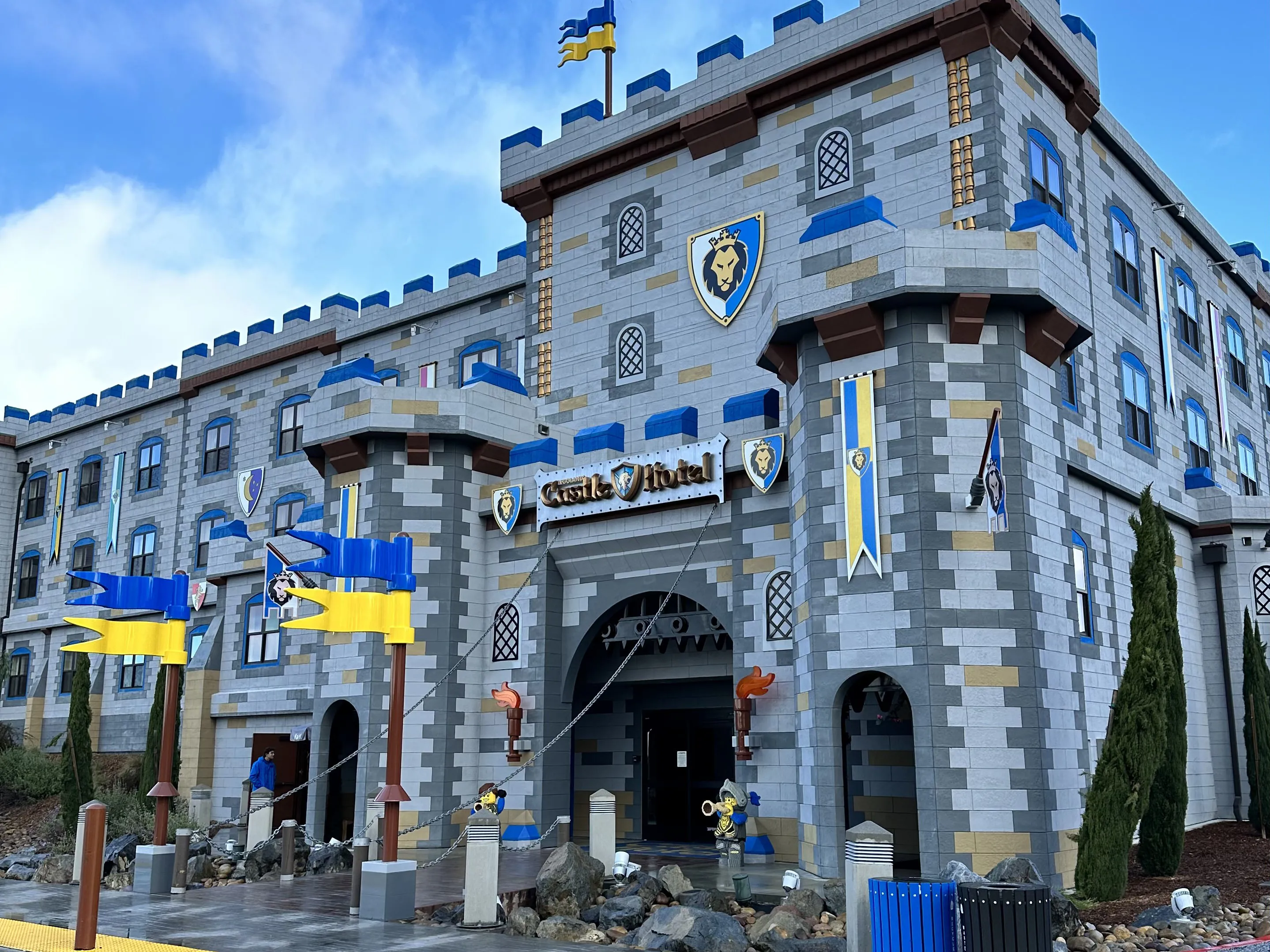
Already booked your Vacation to LEGOLAND® California and need to access your reservation? Click the red "Manage My Booking" button below to begin.
Here's what you will need to know:
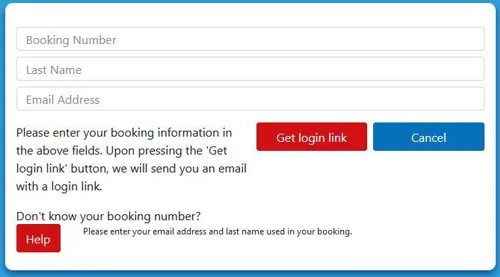
- Booking Number: Can be found on your Confirmation Email
- Last Name: Please enter your last name exactly as it appears on your booking confirmation (this field is case sensitive)
- Email: Used at time of booking
- If you don’t know your booking number please click on the “Help” Button and we will send your booking number
Manage My Booking
Frequently Asked Questions
We know plans change! You can manage or cancel your booking through our online Manage My Booking portal using your reservation number and email.
Open the app, go to "My Visit," and enter your booking confirmation number and last name. This syncs your stay and tickets for easy access!
We have amazingly themed rooms in both of our family friendly hotels. (LEGOLAND Hotel & LEGOLAND Castle Hotel) including Duplo, Pirate, Adventure, Kingdom, LEGO Friends, and NINJAGO. Every room features a separate sleeping area just for the kids!
All rooms are themed, but Premium Rooms go all out! They feature extra LEGO models, more immersive wall-to-wall decor, and themed surprises throughout the room.
